

Where fashiongets a Second Life.Buy itemsSell items
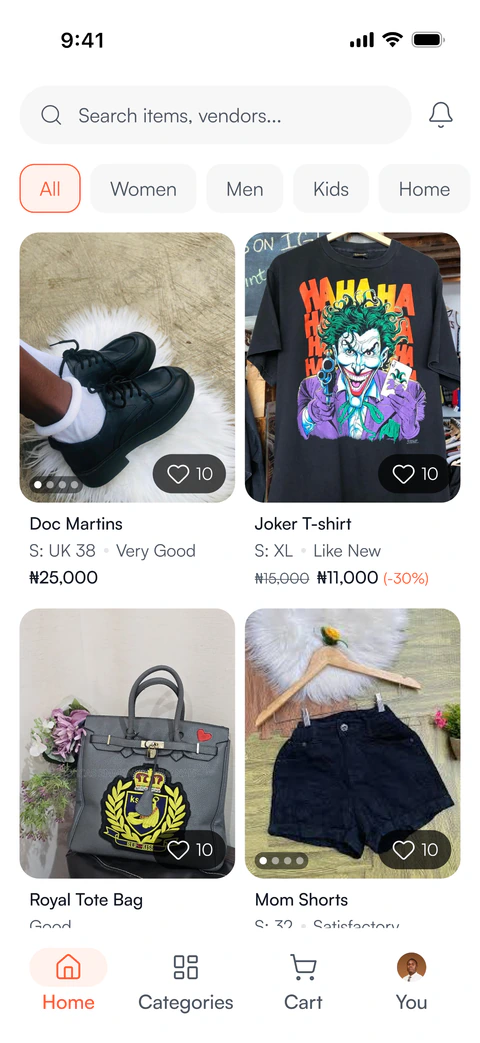
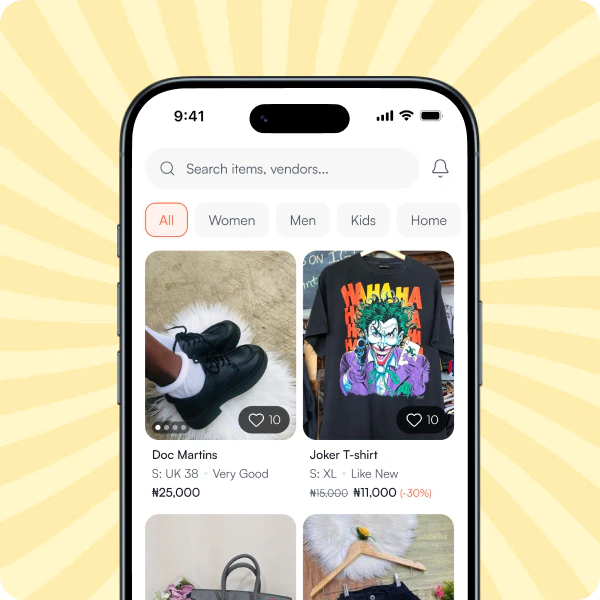
My Thrift is a marketplace built around affordability—making it easy to discover great finds, embrace thrifting, and buy and sell safely.




 How It Works
For Vendors

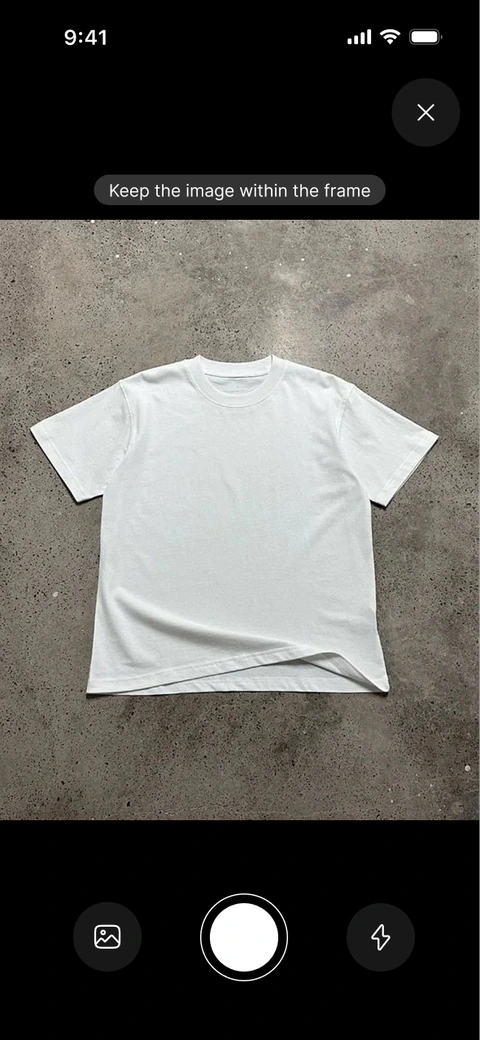
Upload your items
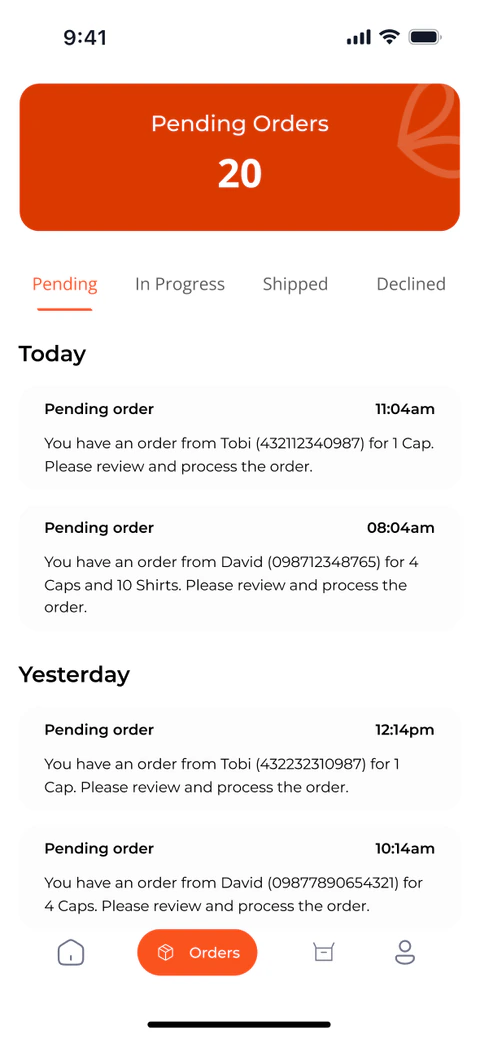
Get orders
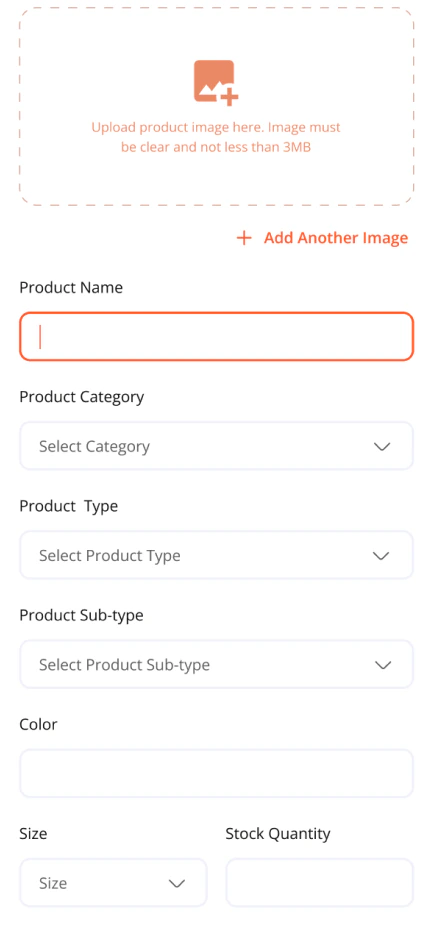
Enter product detail and your price
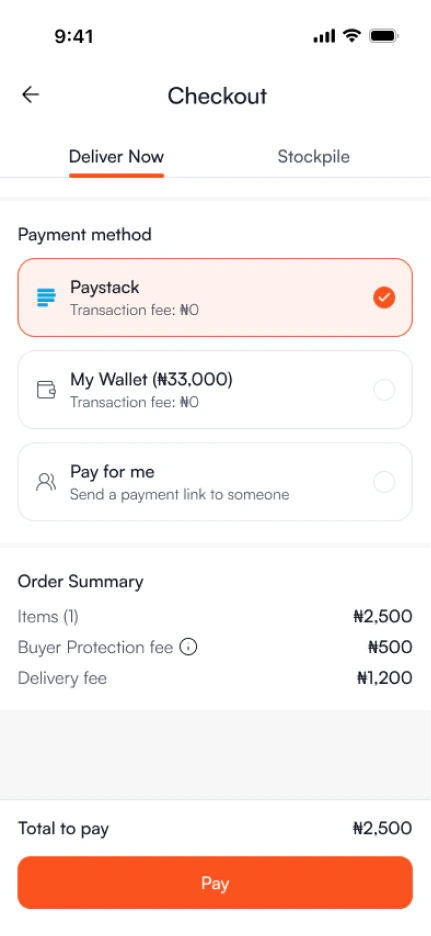
Get paid
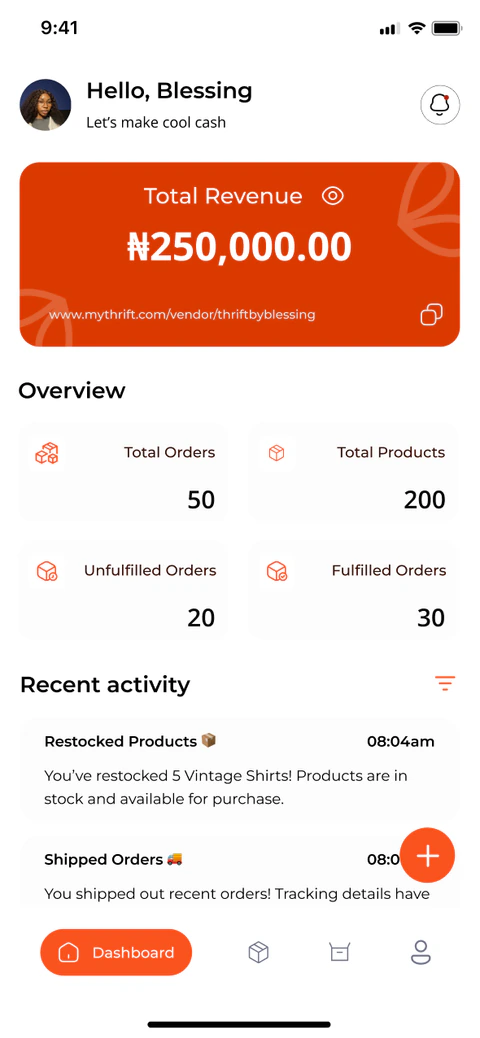
 Eco Impact
Great finds. More life in every item.
Choosing pre-loved can reduce demand for new production and keep good clothing in use for longer.
second-hand clothing purchases
of resale purchases replace a new purchase
new purchases could be avoided
Waste less.
Give well-made pieces another chapter.

 Features
Designed for Effortless Buying & Selling
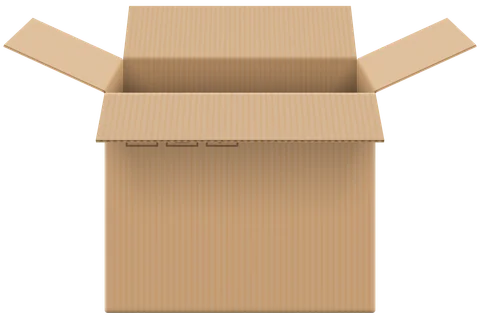

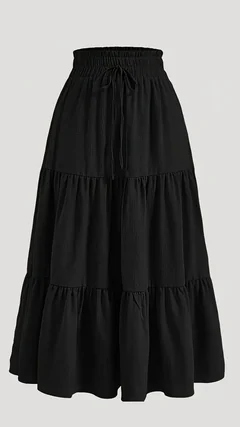
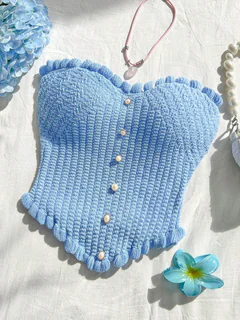
Stockpiling
Bundle multiple buys into scheduled deliveries. This cuts shipping fees by combining orders that ship together.

Offers (Haggling)
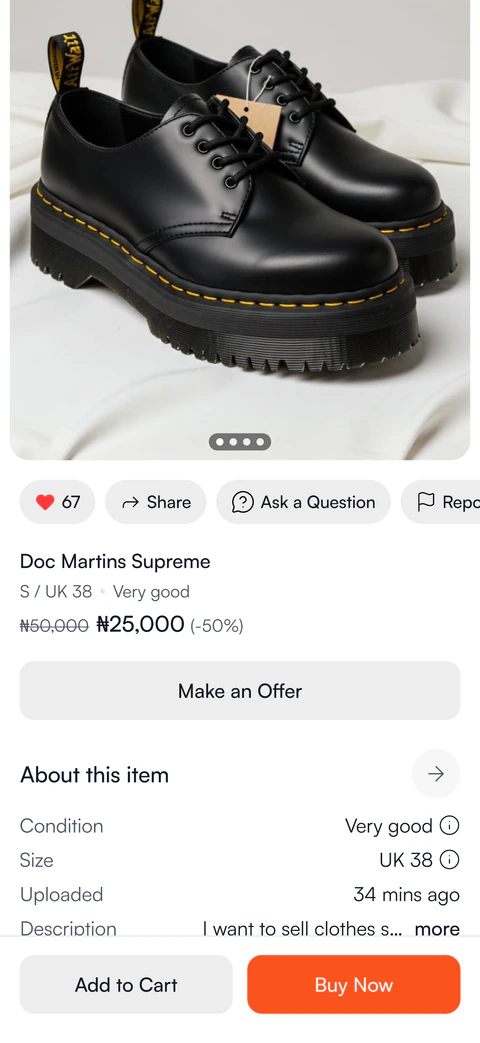
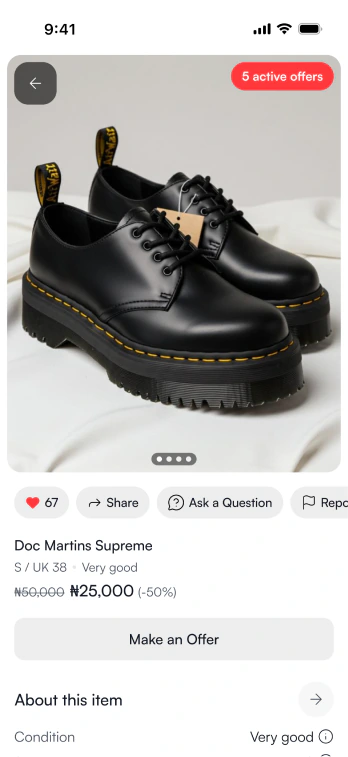
Submit and negotiate price offers on any item. Sellers can accept or counter until you agree, just like a friendly market haggle.


Pay-For-Me
Generate a secure payment link so someone else can pay for your order. Perfect for gifts, birthday presents, or sponsored shopping.
 🎁
🎁
 💳
💳.cd9f65bb.svg)
Secure Payments &
Buyer Protection
Keep payments on My Thrift and get help with eligible order issues through Buyer Protection.
Vendor Brand Tools
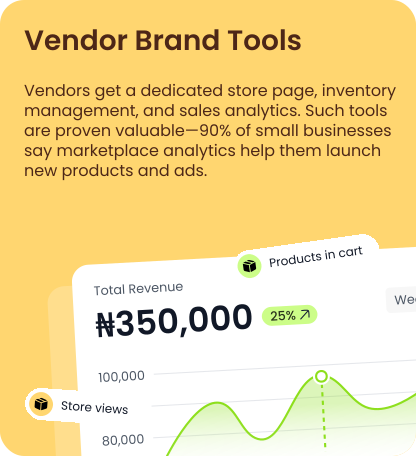
Your dedicated store page, inventory management and sales insights—all in one place.
MyThrift App Is
Coming Soon.
Shop, sell, and manage your store from anywhere.

Coming to
Google Play

Coming to the
App Store
Frequently Asked
Questions
How do I place an order?
Choose your items and any sizes or variants, then continue from your cart or Buy Now. Sign in when prompted and review the vendor, delivery or pickup option, contact details and full total before paying. Payment confirms your purchase request; the vendor still needs to accept it.
How do delivery and store pickup work?
For home delivery, choose an available courier at checkout and review its cost and any delivery estimate. If the vendor offers pickup, you can choose it instead. After accepting your pickup order, the vendor shares collection dates, times and instructions. Check your order details before travelling, and share your pickup code only when collecting your items.
How does stockpiling work?
Stockpile lets you buy items from the same vendor over a selected period and receive them in one delivery. The vendor holds accepted items while your pile is open. The starting fee is based on duration and order value and is shown before payment. When you end the pile, confirm your delivery details, choose a courier and pay for delivery separately.
Can I add more items to my stockpile?
Yes. Open your pile and choose Repile, then shop with the same vendor. Check that checkout identifies the existing pile before paying. Eligible additions have no further Stockpile fee and do not extend the original end date. Each addition still needs vendor acceptance. Closed piles and piles already in delivery cannot receive new items.
Can I make an offer or ask about an item?
You can send an offer on eligible products, and the vendor can accept, decline or counter it. Check the expiry shown on the offer and complete checkout to turn an accepted offer into a paid order. Use Ask a question for product details; when signed in, you can continue the conversation in chat. Keep discussions and payments on My Thrift so support can review the relevant history if you need help.
How does Pay for Me work?
Create a payment link at checkout and share it with someone you trust. They can review and pay for the order, while the order remains in your account. Check the link’s expiry and your order status: creating a link alone does not complete payment.
What does Buyer Protection cover?
Buyer Protection gives you a way to request help with eligible issues such as missing, damaged or incorrectly described items. The applicable fee is shown before payment, and Stockpile protection continues while accepted items are stored and during delivery. Refunds depend on the issue and review; protection is not an unconditional refund guarantee. See our Terms and Conditions for full details.
Where can I track my order?
Open Orders and select your order or stockpile to see its progress and available courier tracking details. Use the tracking link, or the tracking code if no link is available. A tracking code is different from your pickup verification code. If a payment has succeeded but the order has not appeared, refresh and contact support with the payment reference rather than paying again.
Can I change or cancel a paid order?
Contact support as soon as possible with your order reference and the change you need. What is possible depends on the order’s progress. Editing your profile, address or cart does not change an order you have already paid for. Cancellations and refunds are reviewed through support.
What if my item is wrong, damaged or missing?
Open the order to report the issue or contact support with your order reference, a description and clear photos where available. For a wrong or damaged item, request help within three days of receiving it; this reporting window does not remove your statutory rights. If an item is missing, contact support when delivery is overdue or the status looks wrong. Do not send a return until the destination and arrangements have been confirmed.
How do I start selling on My Thrift?
Choose Become a Vendor, create your vendor account and complete the required store details and verification. Your store and listings become available to customers once the necessary approval and listing requirements are met. Add clear product photos, accurate descriptions and your store’s return policy to help customers shop with confidence.
How do I get help?
Open My Thrift Support in the app and continue your active conversation. You can send messages and photos to explain the issue. If you cannot access the app, email hello@shopmythrift.com. Include any relevant order or payment reference, but never share your password, payment PIN or full card details.